Blog
Just wrote out of my thought and my knowledge sharing
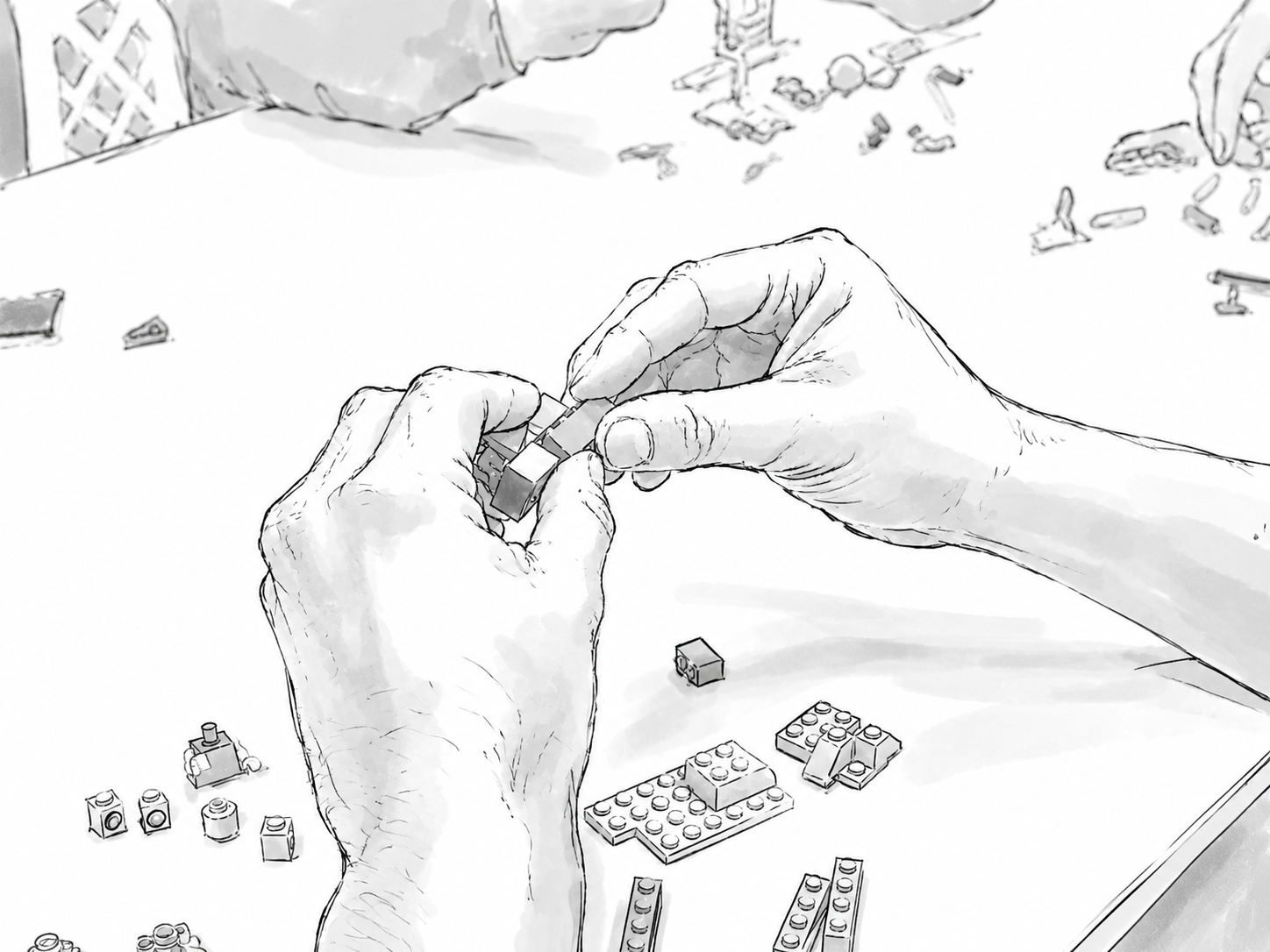
After finishing the UI design, you have to hand off to the stakeholders of your design interaction. Regularly, we often create a Figma prototype to deliver the UI interaction, but there are a few issues:
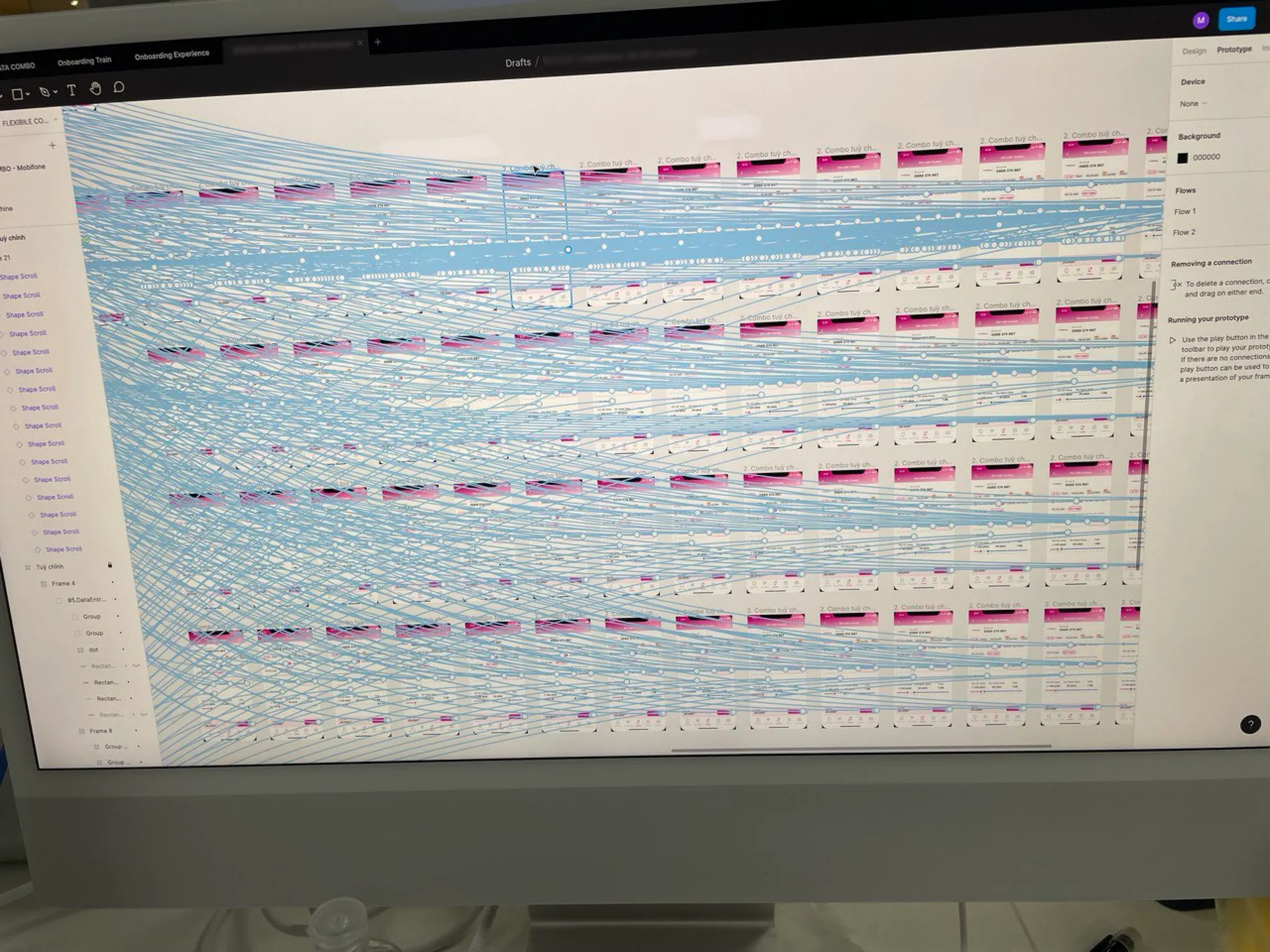
At the end, a Figma prototype is still “a prototype” literally. It’s not bringing the real UI component to life.
So, what are you going to do? Do it the regular way or initiate a new solution?
When I discovered the solution, I recognized that many AI tools can turn the design ideas (prompt) into an interactive UI instant. In this tool, I chose V0 (Vercel) because it’s free to use, and it is able to share the link. (There are many AI tools that support designers to create the interactive prototype, such as Figma Make, Google Stitch, Lovable,… So freely choose the tool that you prefer.)
Instead of briefing the UI interaction, I will prompt in the AI tool to get the interactive prototype. After that, I will use this prototype link (generated from V0) to hand off to the team in the transfer meeting. Now, the hand-off process is easier, just open the link and explain the interaction side by side, which consists of these benefits:
And here is what I instruct the AI to understand my requirement
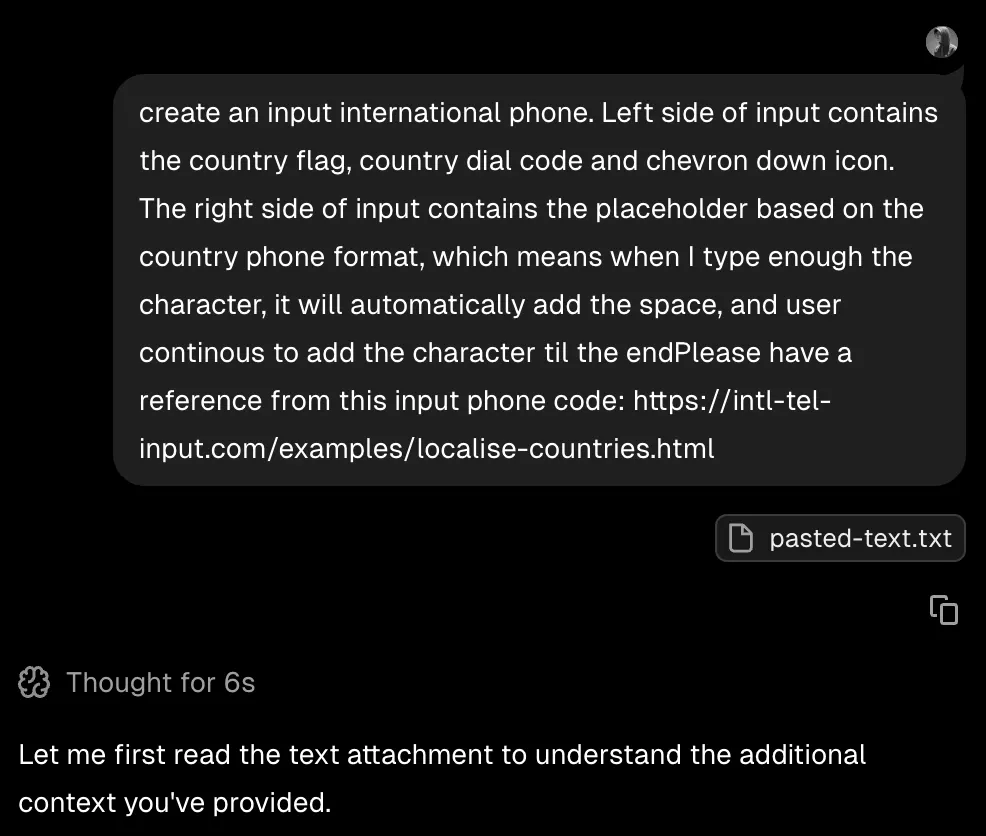
The things I keep myself to remember are if your prompt can make other people understand, then that is the time the machine can understand.
Too many practices of technique prompting to get better results. But in this case, I just focus on what I need
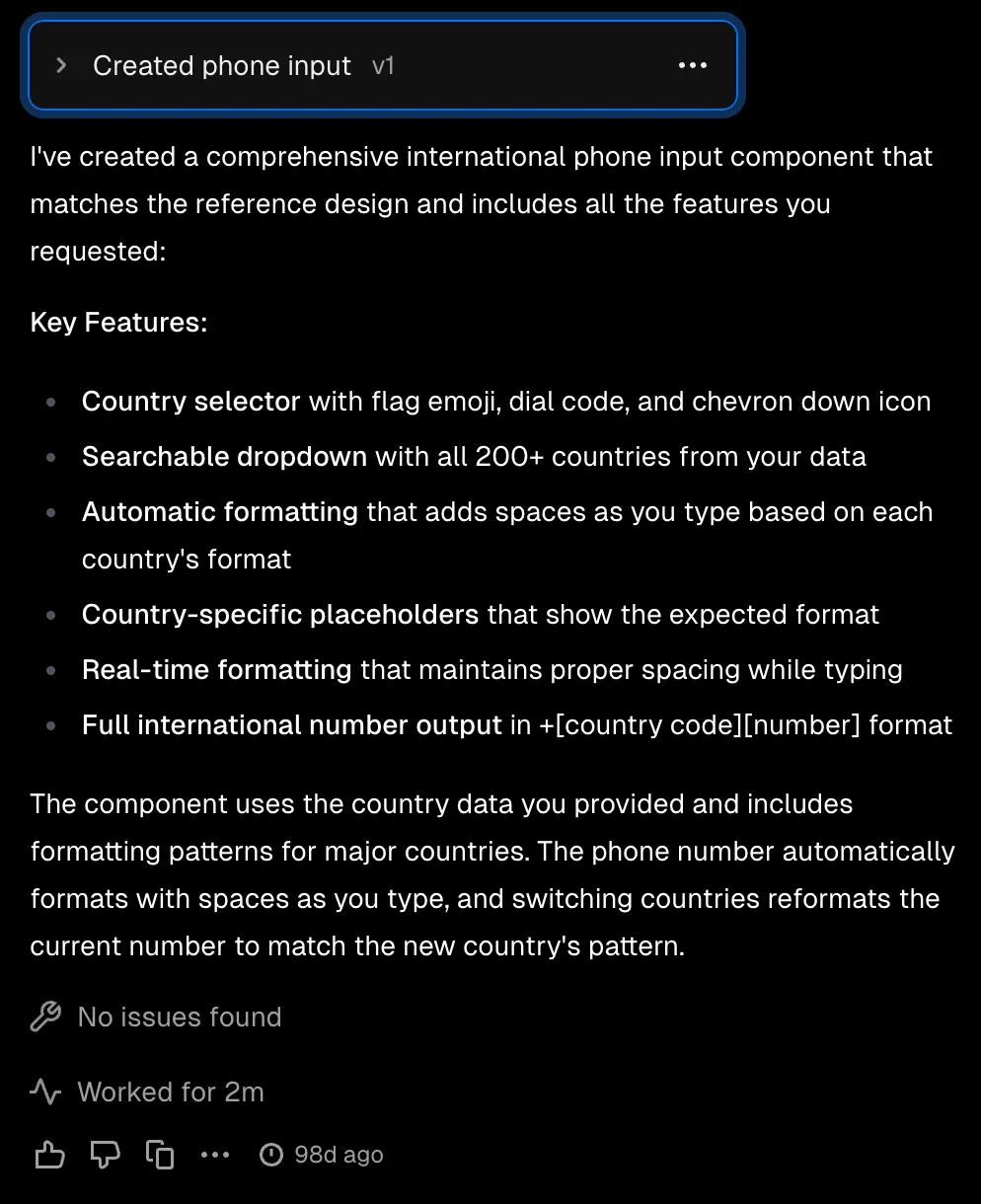
Just wait for AI to return the result in 2 minutes; we have an interactive UI component. It is realistic and closest to the UI component in the real product.
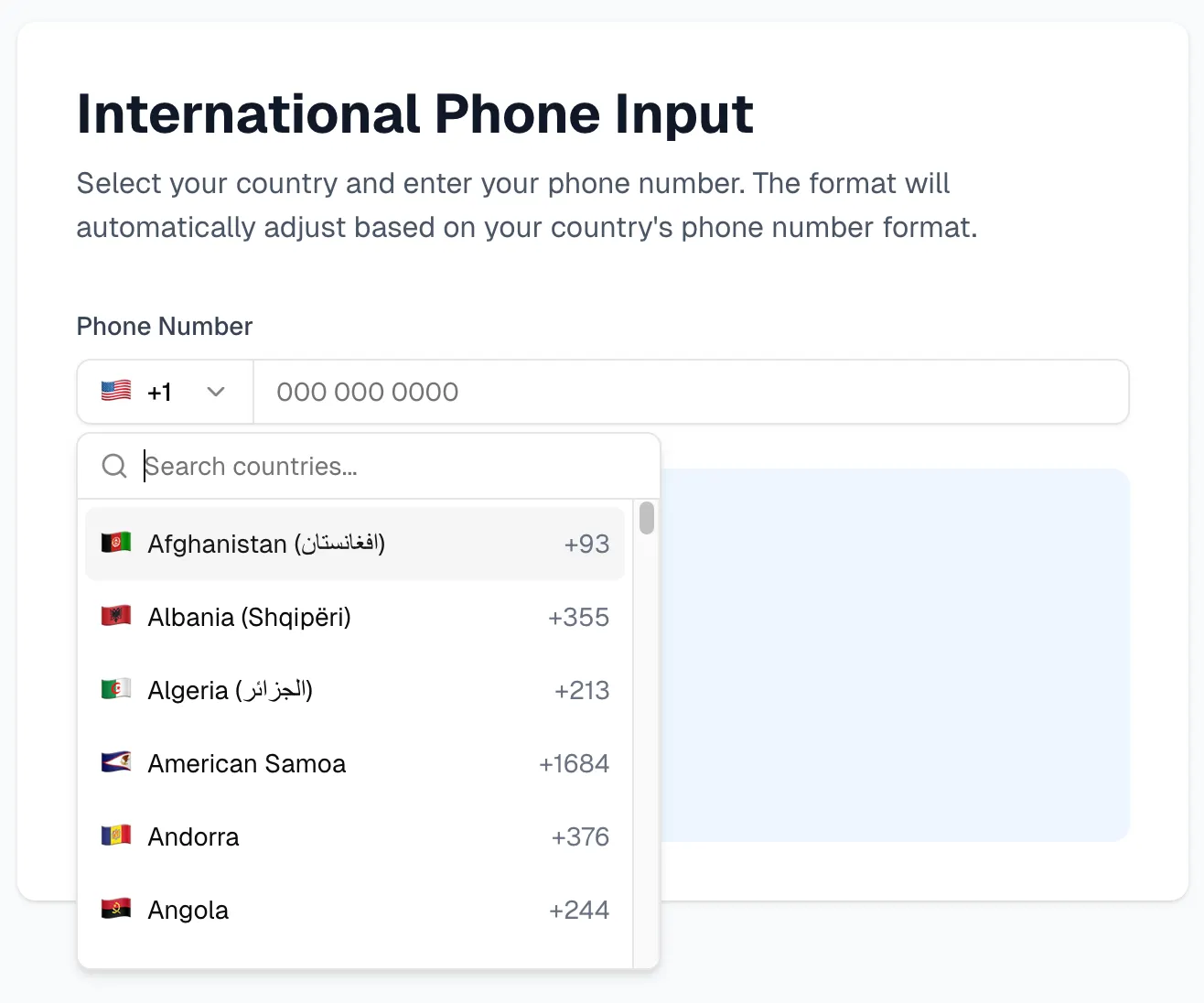
You can check the link here for more details:
It doesn’t stop on the way of creating the UI component; it can also do more complicated things, such as this Invite user form (example). To avoid length, the video below demonstrates how this flow works.
In this video, you can notice that the field (1) User Type contains a subfield afterward. This subfield will be updated after the (1) User Type update.
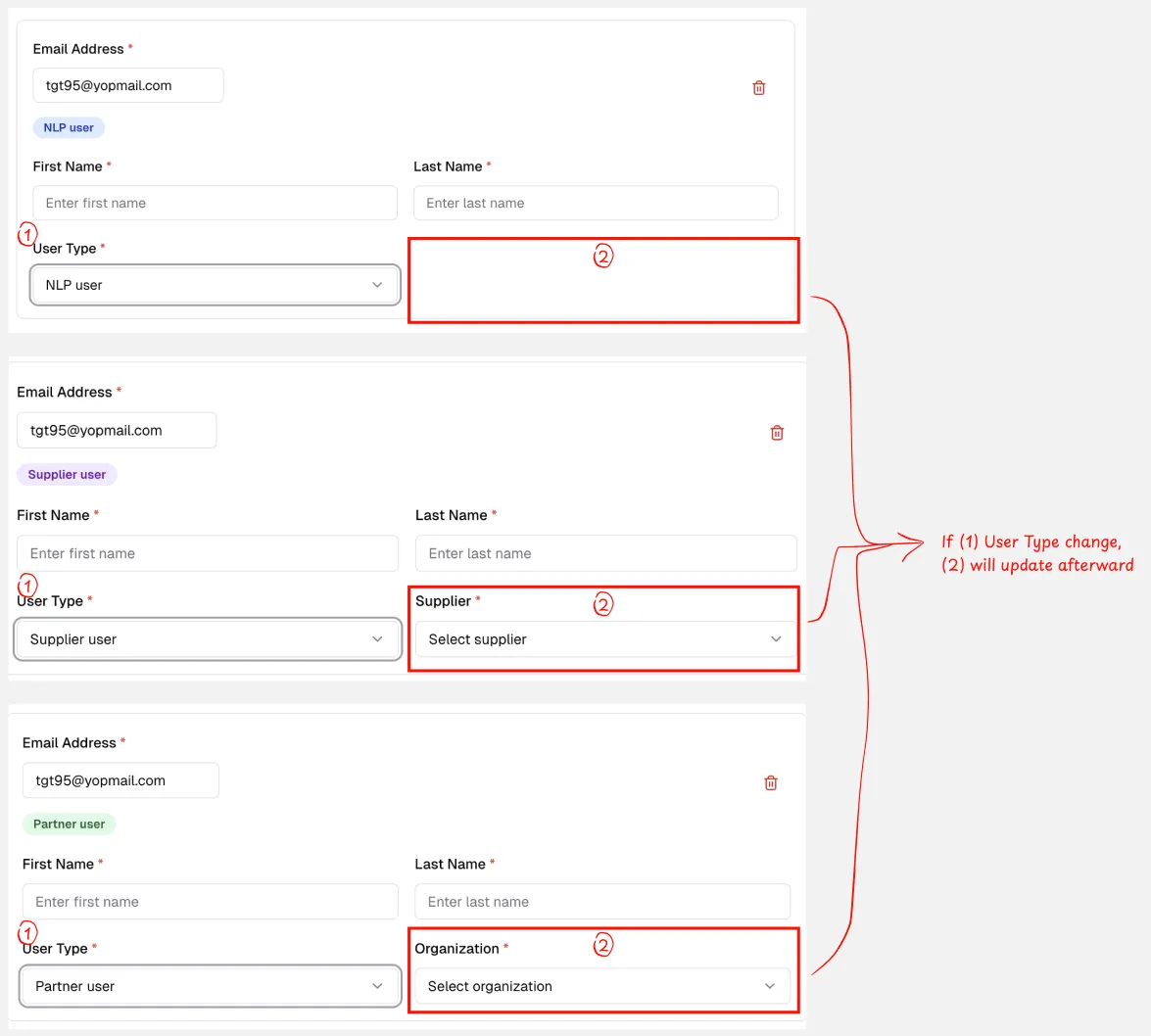
Now, let’s do a quick benchmark between explaining this if/else scenario in words and viewing/interacting with a realistic prototype. I think you have the answer :D
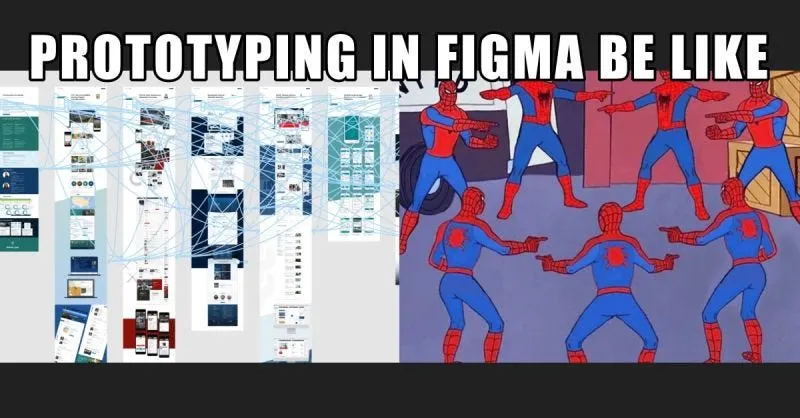
For the design folks, you will definitely have to create a maze of prototypes to get this interaction, and I don’t think anyone wants to do this 😂. After creating, maintaining and updating this prototype, you may encounter many difficulties.
I hope this trick will bridge the gap in the hand-off process between many stakeholders in the product development.