Blog
Just wrote out of my thought and my knowledge sharing
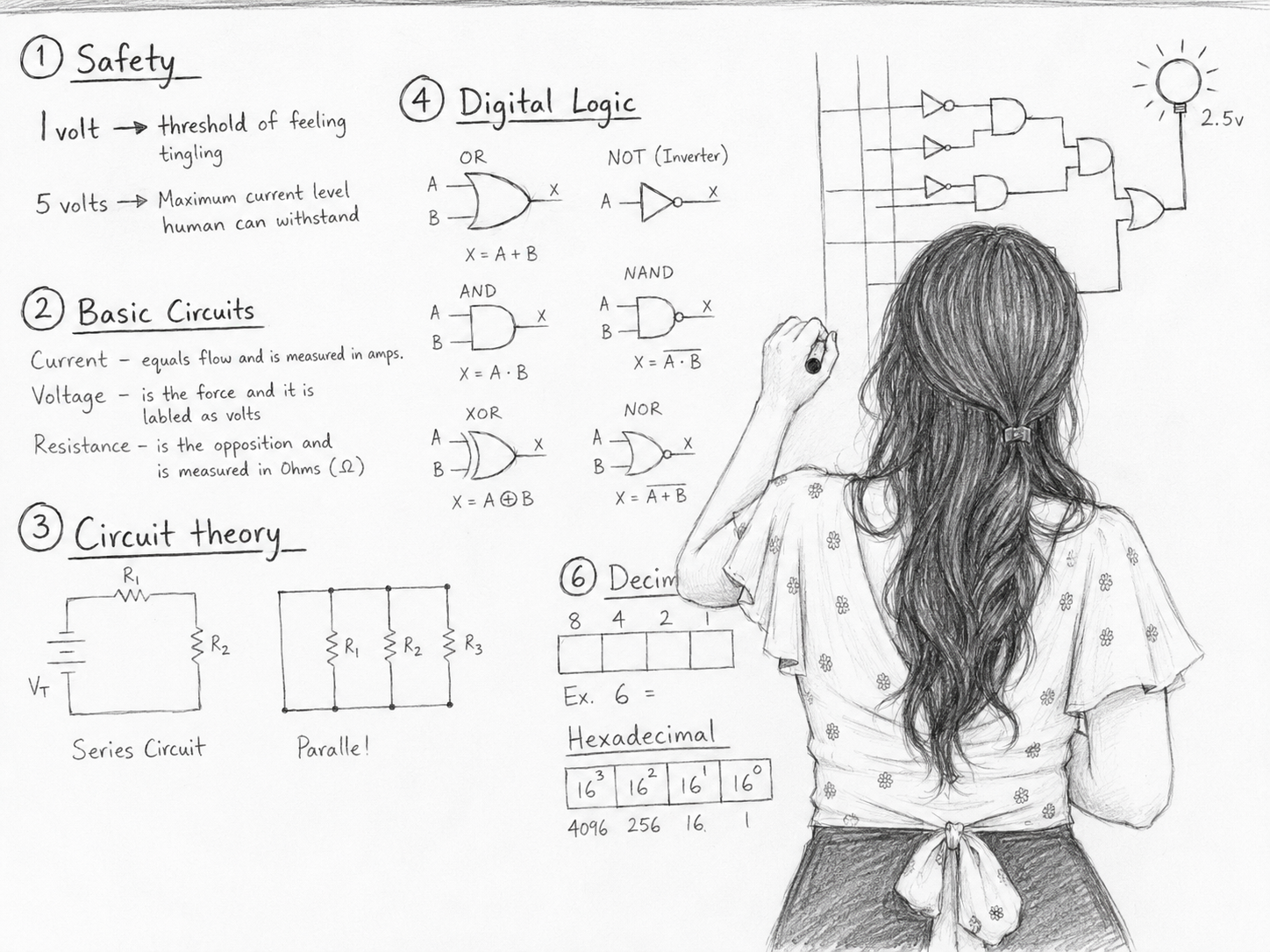
When exchanging information or discussing issues with the team, expressing ideas and application flows can be very abstract (especially in software development). Because the stakeholders we will be communicating with include teams like Developers, QC, Product Owners, and non-technical stakeholders, there will be some difficulties:
To put it simply, it's like the real-life scenario when you describe your room to a friend (who has never seen it before) like this: "My room is blue, you go upstairs, turn left then turn right, then go straight, look at the cabinet, look diagonally to the left, open the cabinet, %$%!@#!@3123".

It will be very abstract, right? Not to mention that during discussions, everyone will speak with enthusiasm, and it's hard to grasp a large amount of information all at once.
And often, due to junior colleagues' fear of "not daring to ask, fearing asking stupid questions," the response is: "Ah, yes, I understand." Even though the presenter implicitly understands that they have understood. And after they output the results, they don't match what was discussed.
All these factors lead to completely different understandings of the information. This way of working can easily lead to a situation of "he says chicken, she says duck" - A Vietnamese idiom about miscommunication (Original: “Ông nói gà, bà nói Vịt”.).

And all the above comes at the cost of time to re-explain from the beginning, delays in work progress, etc. Especially, you will get complained by the boss =)))
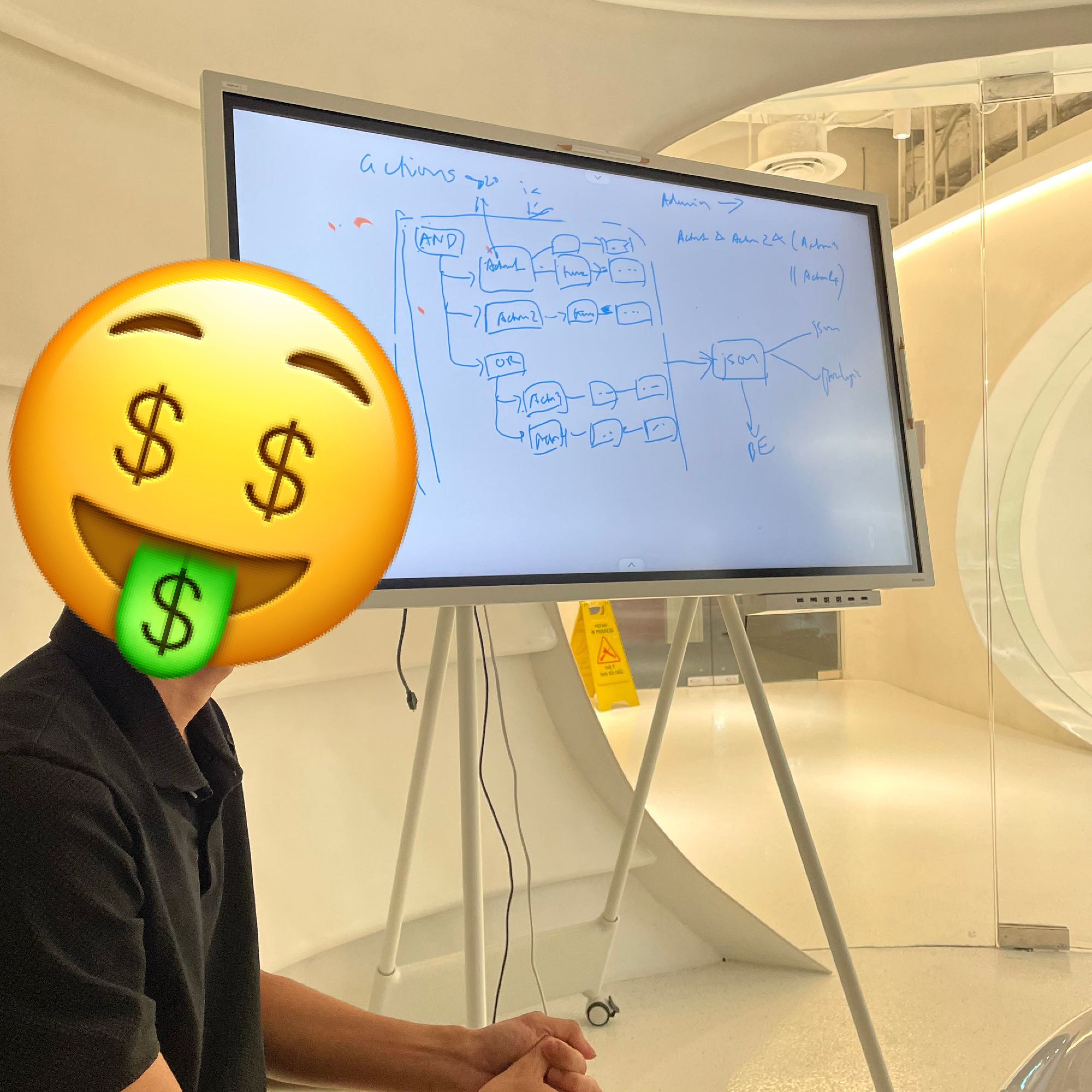
I was no exception. When I first started working, when explaining an issue, I would just talk and the listeners would just listen. “Always listen, and you'll understand in the afterlife”. After some time, I was fortunate enough to be guided by my first leader at my first company on how to use a whiteboard for brainstorming, and it was like being enlightened.
*Off-topic: Thank you very much, Danh, for the enlightenment, if you read this post.
Going back to the story of explaining the room described above, just systematizing the information for presentation or, even better, drawing out the sudden ideas in your head to describe it will make the communication more convenient and accessible.
*And if you draw well, there's a high chance people will remember it more deeply (maybe) =)))
However, how to present effectively on a whiteboard is another story. I will discuss this in more detail in another article.


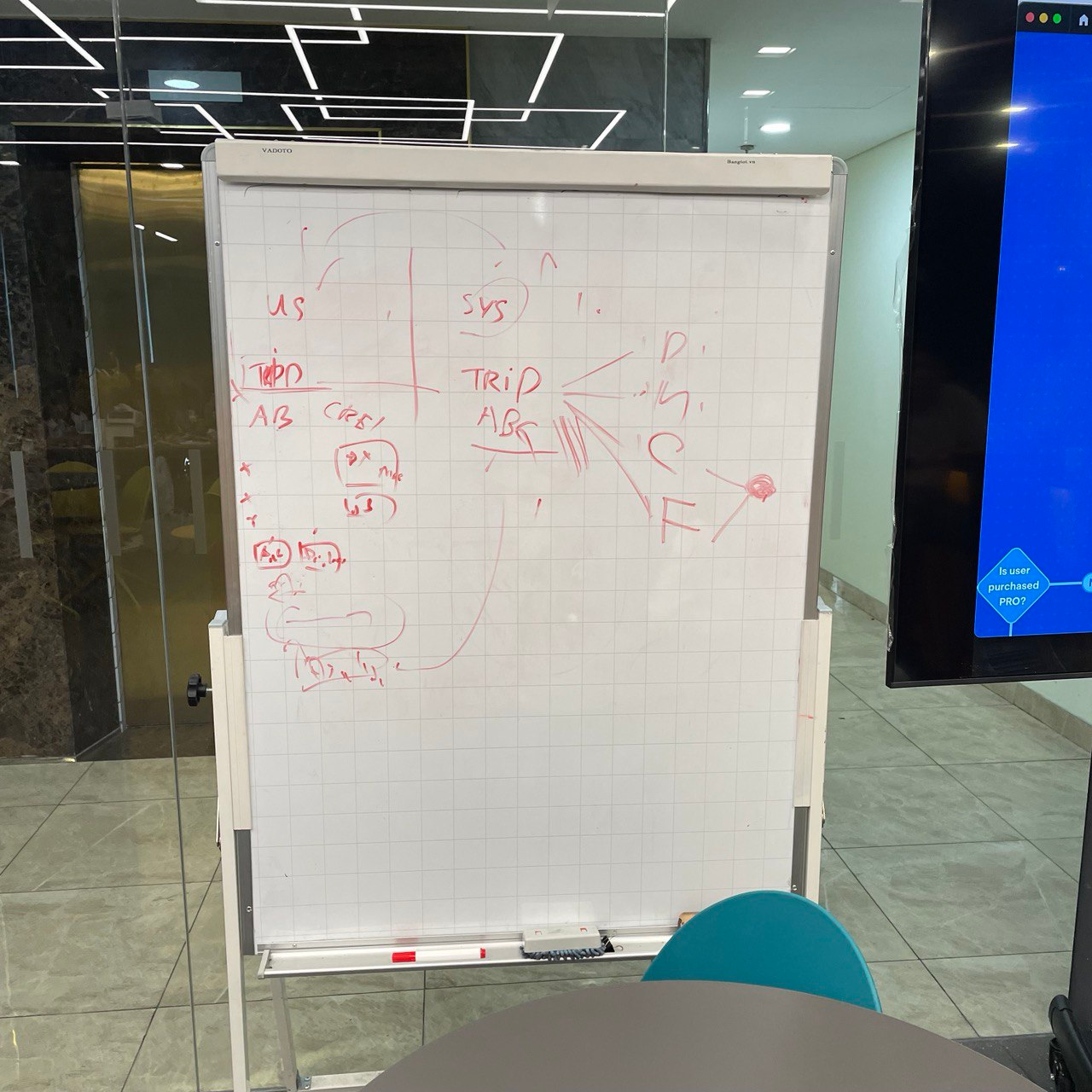
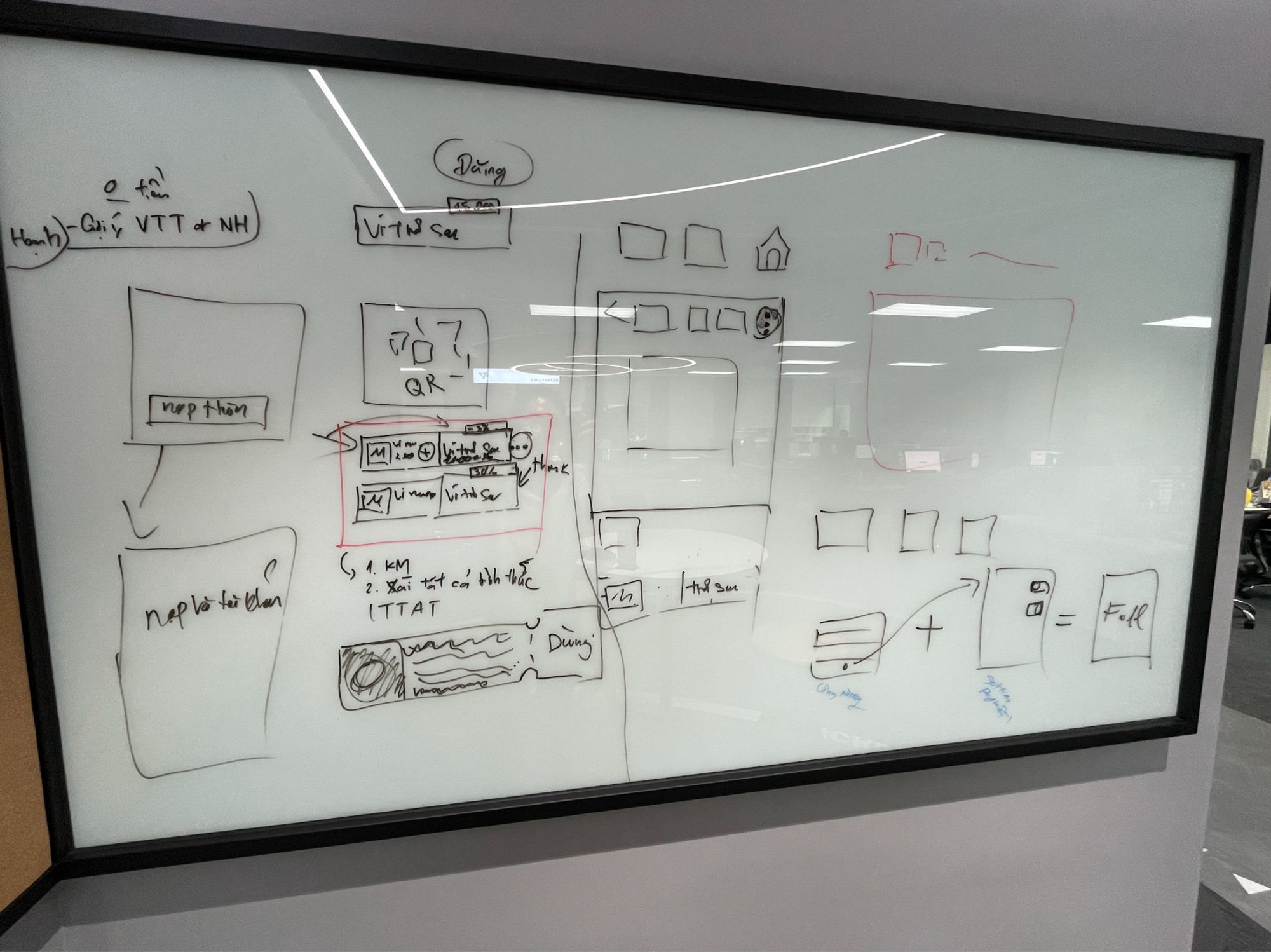
Advantages: When working in a team, using a whiteboard means it's big enough for the whole team to see. Suitable for teamwork.
Disadvantages: You have to erase it after use =)))
In addition, if your office doesn't have a whiteboard available, a sheet of A4 paper or a notebook will be very helpful in explaining or presenting an issue. My specific job as a UX designer means I always have a notebook handy so I can doodle... oops, I mean draw flows =))))
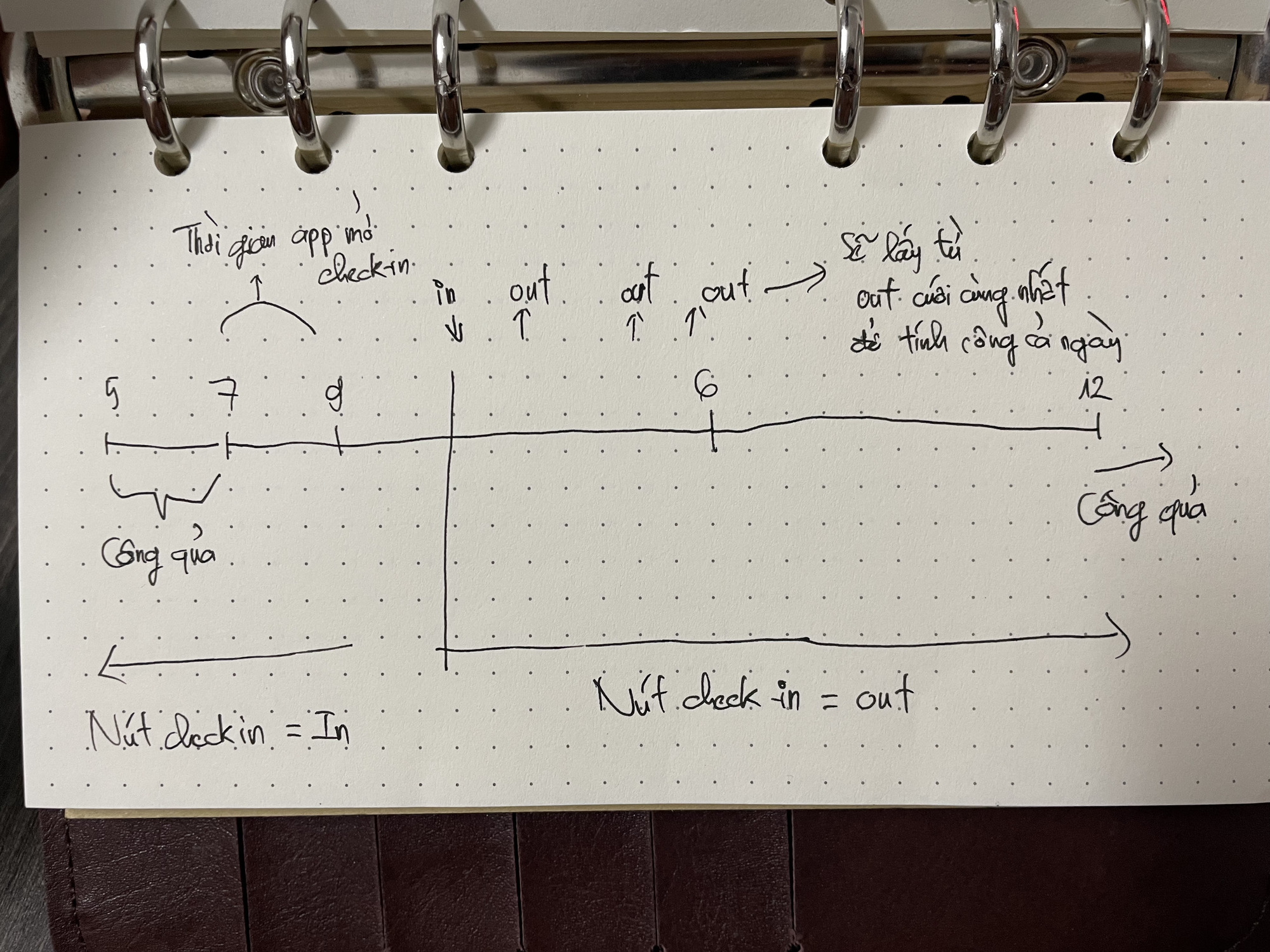
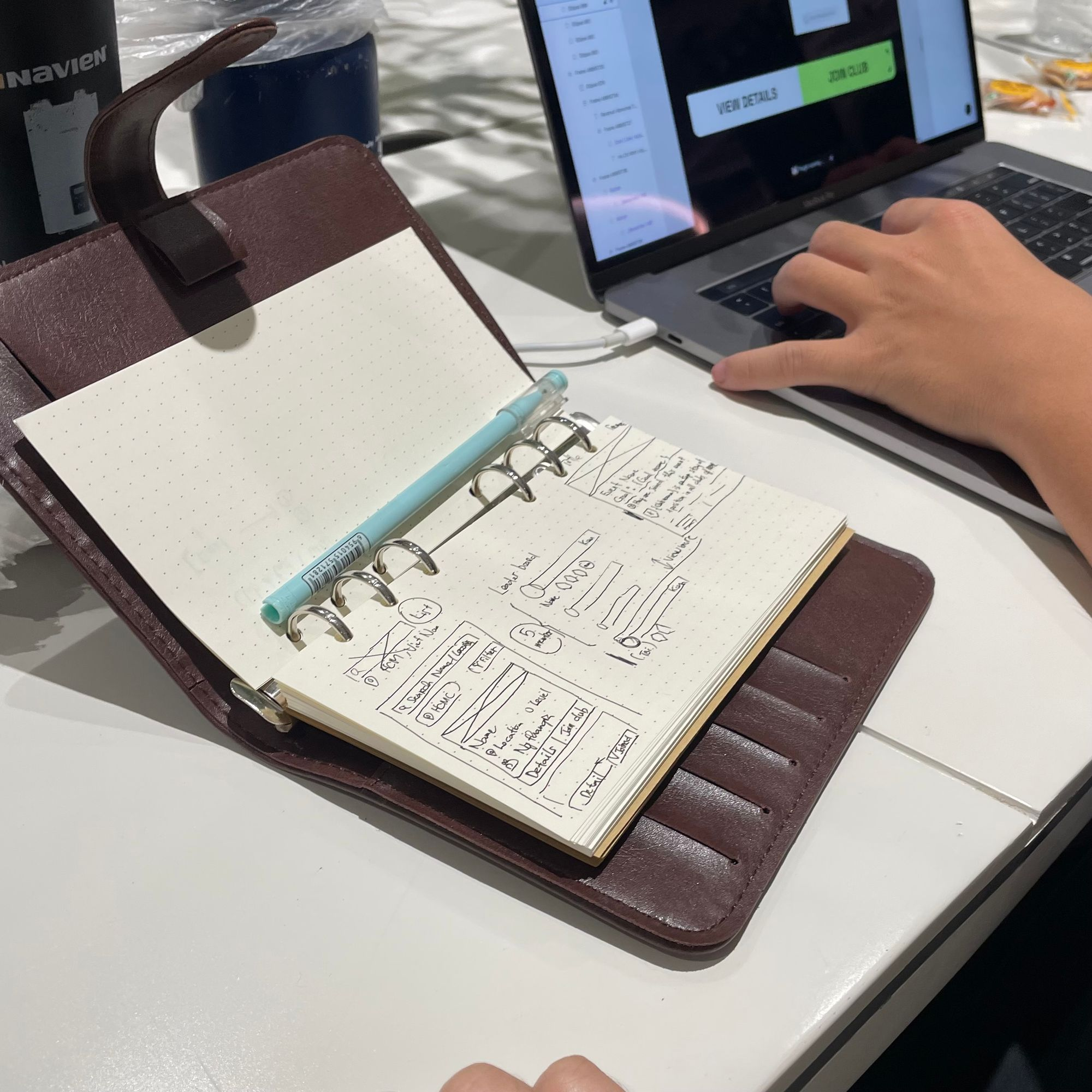
Advantages: For paper or notebooks, they are convenient to carry around, suitable for individual presentations.
Disadvantages: Expensive to buy paper and notebooks if you draw a lot =))). Difficult when presenting to a team of many people (the whole team has to strain their eyes to look at a tiny notebook).
In addition, digital tools like Figma, FigJam, etc., are also very convenient for replacing physical whiteboards. There are many tools online, you can Google search for more in this section.
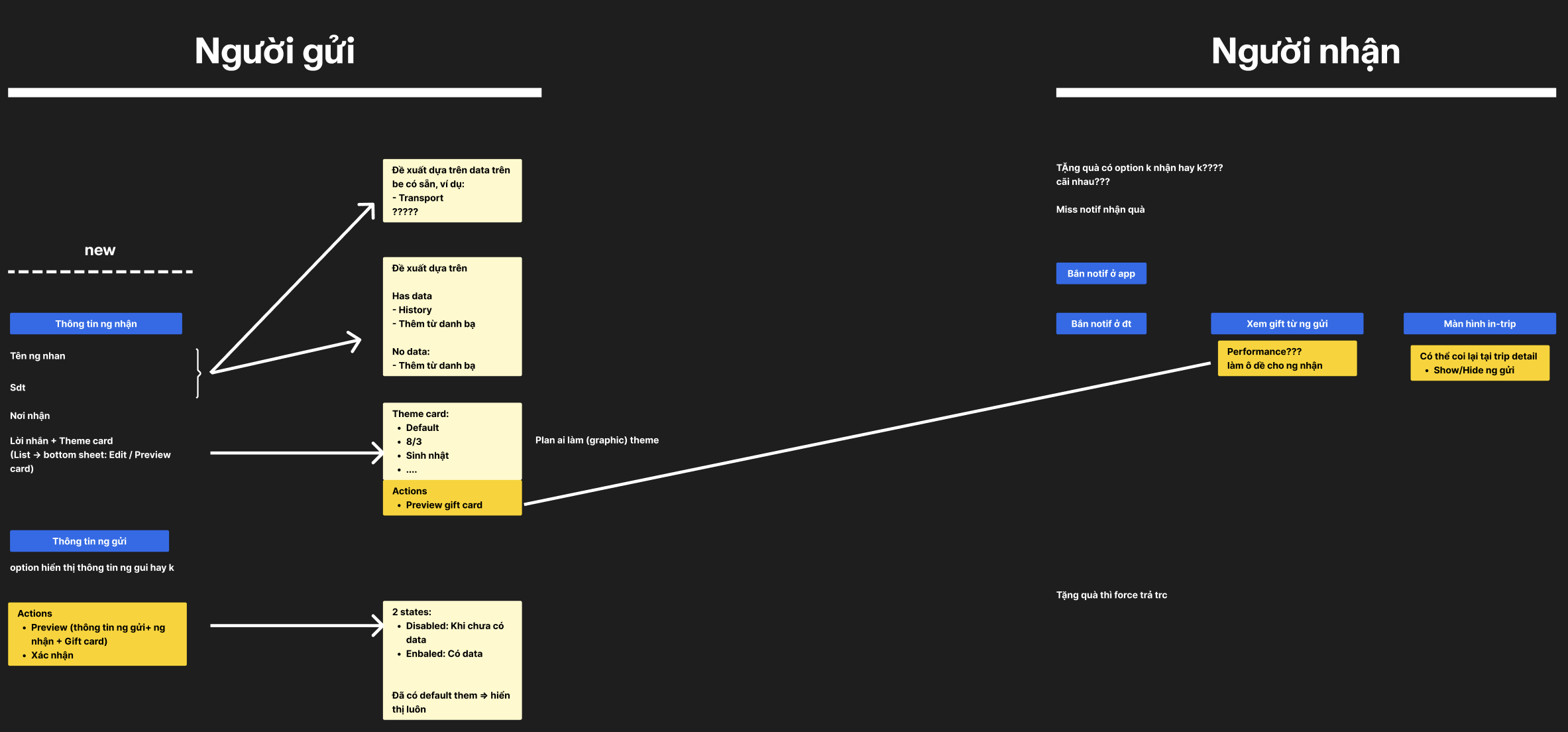
Advantages: For digital tools, they can handle both individual and team presentations, because digital spaces have unlimited space for presentation, ensuring all viewers have a Full HD view even when working remotely or on-site, and it's easy to save information (version logs).
Disadvantages: Expensive to buy software licenses :D. Many people who are not used to working on these platforms will not have as smooth an experience as working on a physical whiteboard.
And one thing to note is that it's okay if your drawing is scribbled and messy, as long as the listener can grasp the story while you are presenting (Key takeaway). Avoid being too focused on drawing beautifully and forgetting the main point of information exchange, or everything will be in vain.
Even if you draw poorly, once you have presented the issue, later when you look back at that (scribbled) image, you will more or less be able to recall the information you discussed.
Hope this sharing is helpful to everyone. Peace!