Blog
Just wrote out of my thought and my knowledge sharing

Traditionally, I often log expenses into the Notion Database every time I spend the money. The problems are:
Even though I have tried to create some templates to quickly log the expenses, all things are still manual, and it's easy to miss some transactions. You know the human instinct is lazy :D
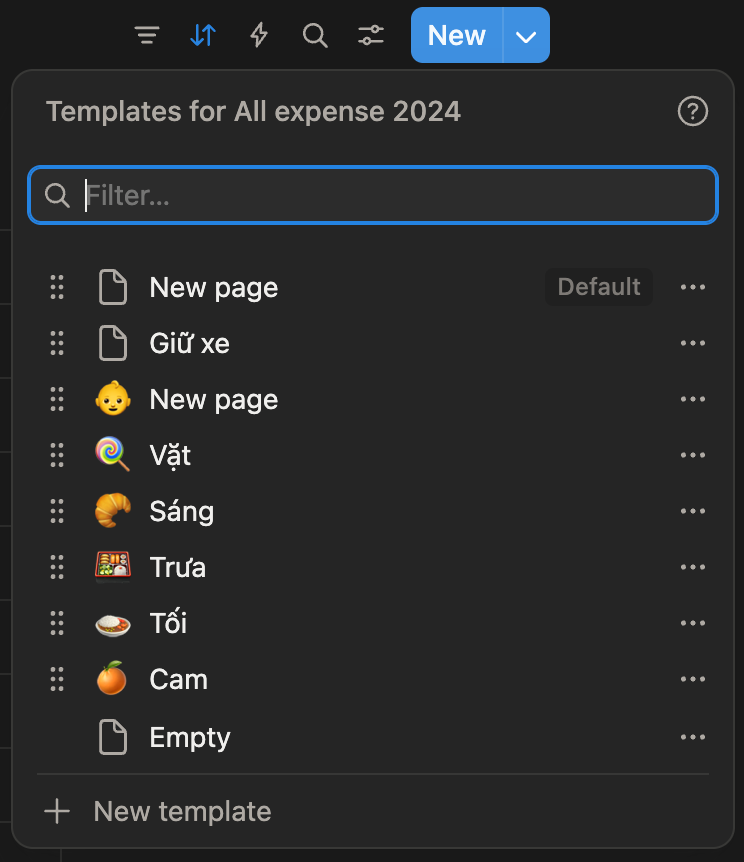
(Fact: Missing a log of a small amount of money is okay, but if you miss a big expense in a day, it might give you the wrong context of how you spend the money.)
That’s why I’m seeking an alternative solution, which is more robust and automatic than this solution.
Here is what I’m finding:
Then I asked AI for my purpose, it suggested a solution to me that I think is better than ever (til this post is released).
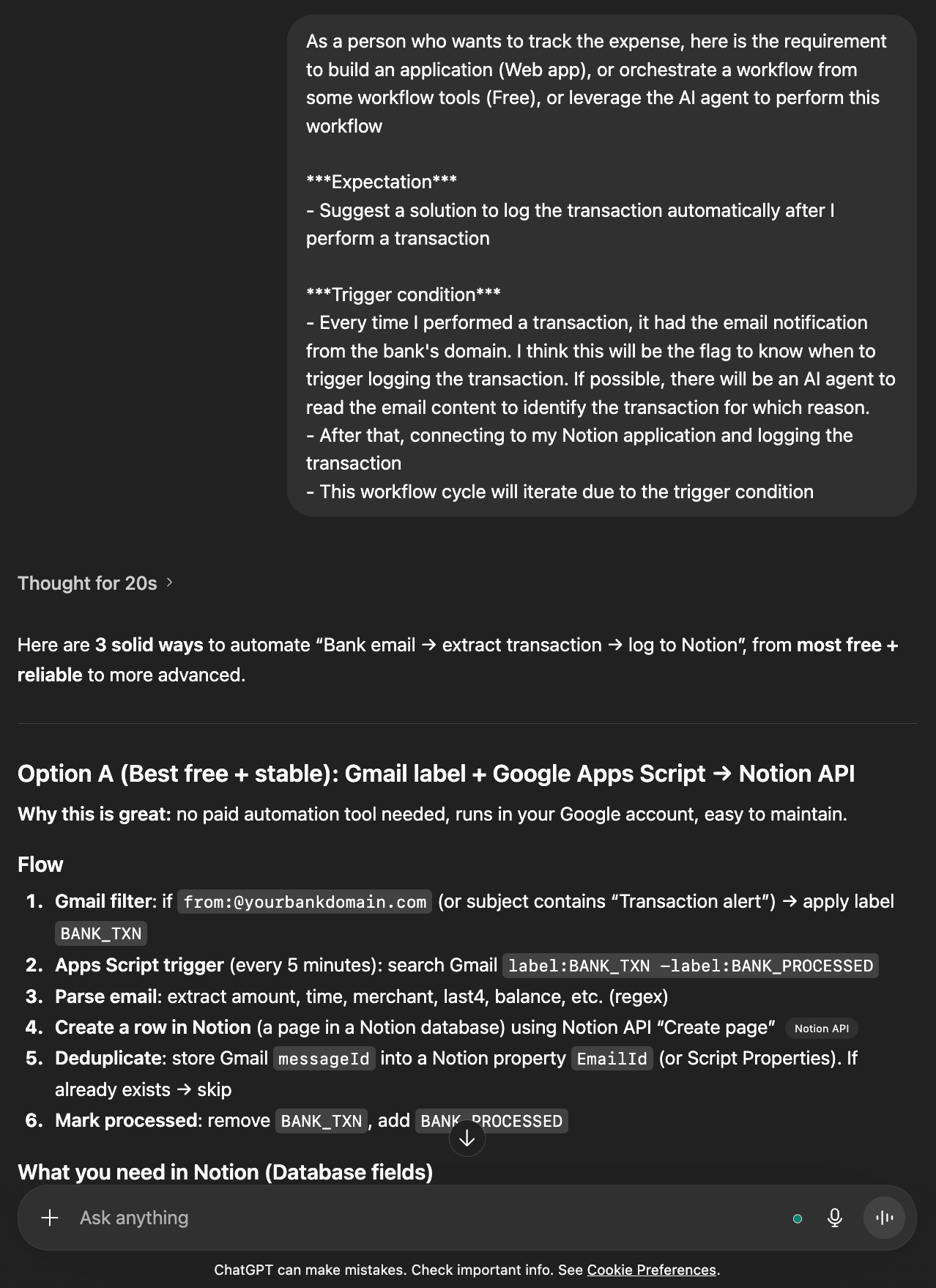
It guides me to orchestrate the automation workflow using Google Gmail, Google Script, and Notion. To summarize the workflow in the simplest way to understand:
↓
↓
↓
↓
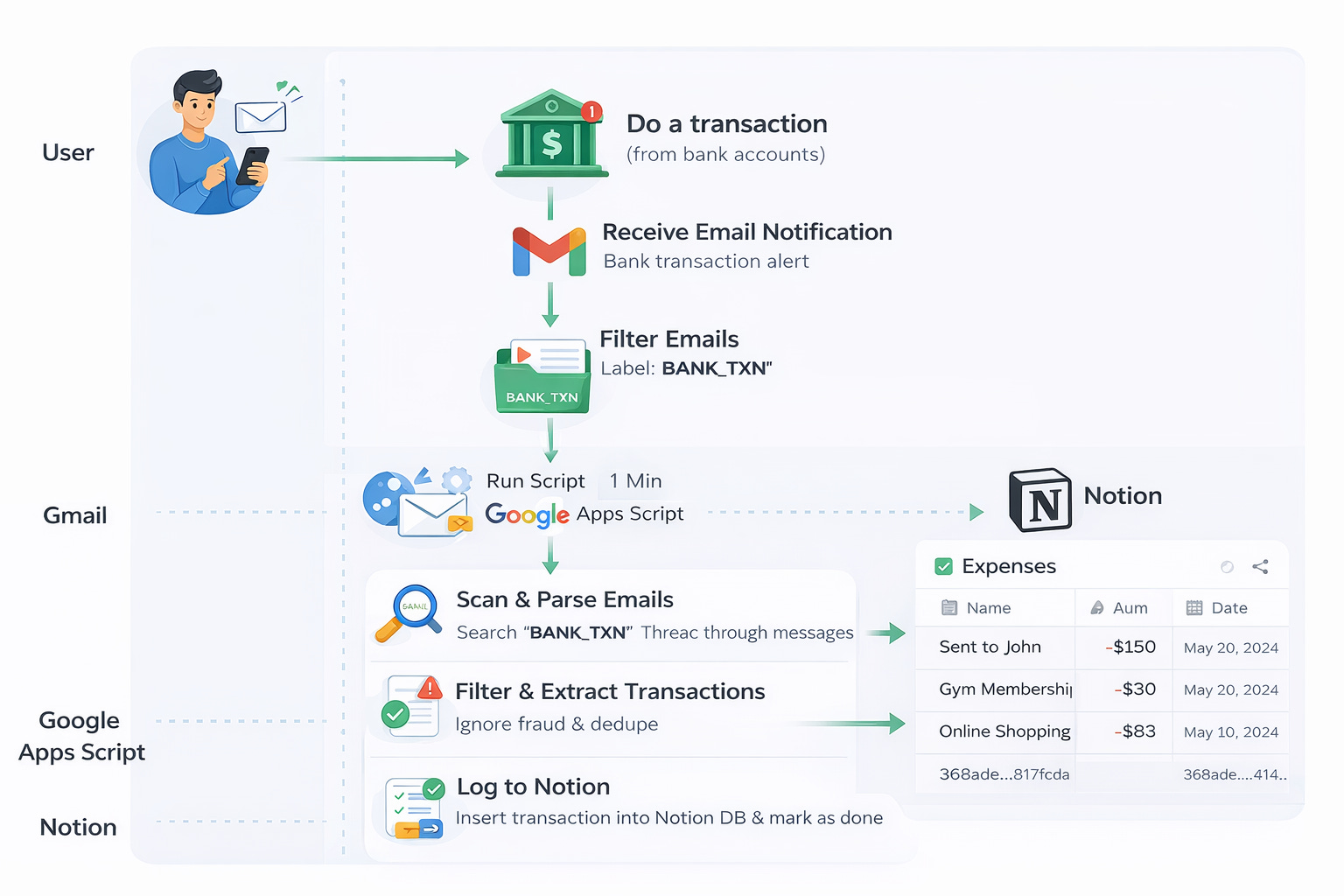
The goals of this workflow are:
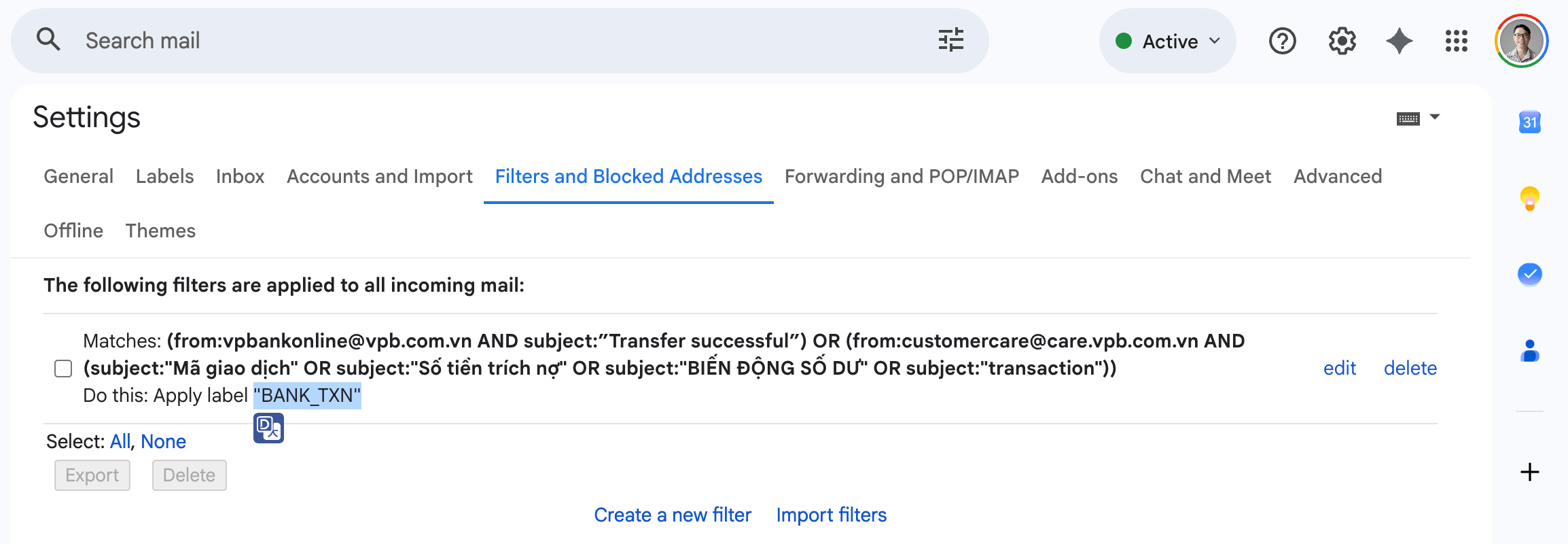
This step answers the question: which emails should I collect? From the bank notifications, there are varied notification types, so you need to collect the emails properly to extract them. There are 2 labels you need to create first:
BANK_TXN:
This label is the flag to know when the emails haven’t been extracted, but it ensures that it is the transaction email from the bank. It means every time the system only fetches all the emails that have the label BANK_TXN
You can categorize email types using a conditional query. For example, I will filter all the emails that have the subject “Balance changed“ and come from this domain: “vpbank.com“, then mark them as the Label: BANK_TXN.
Note: You can extend the query if you want to catch more conditions.
BANK_DONE:
This label is the flag to know when the emails have been saved to the database, and the system doesn’t extract them again.
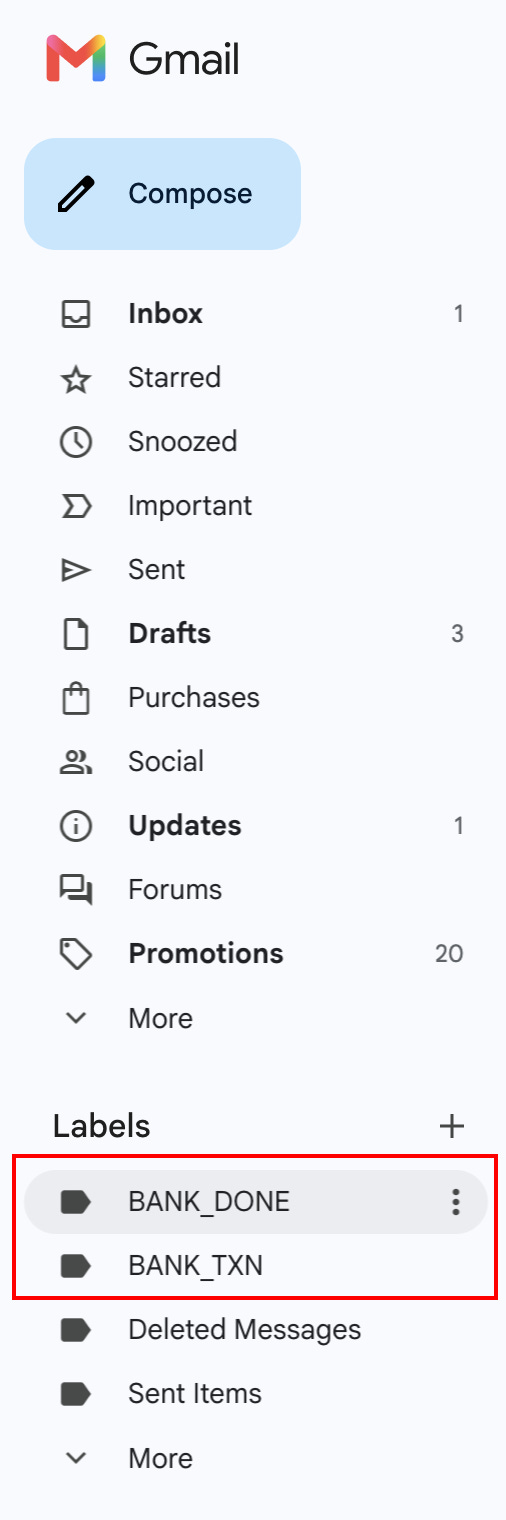

(Please research the Notion guide for more details)
Go to https://script.google.com/ to create a new project, then write your logical transaction handling based on this workflow:
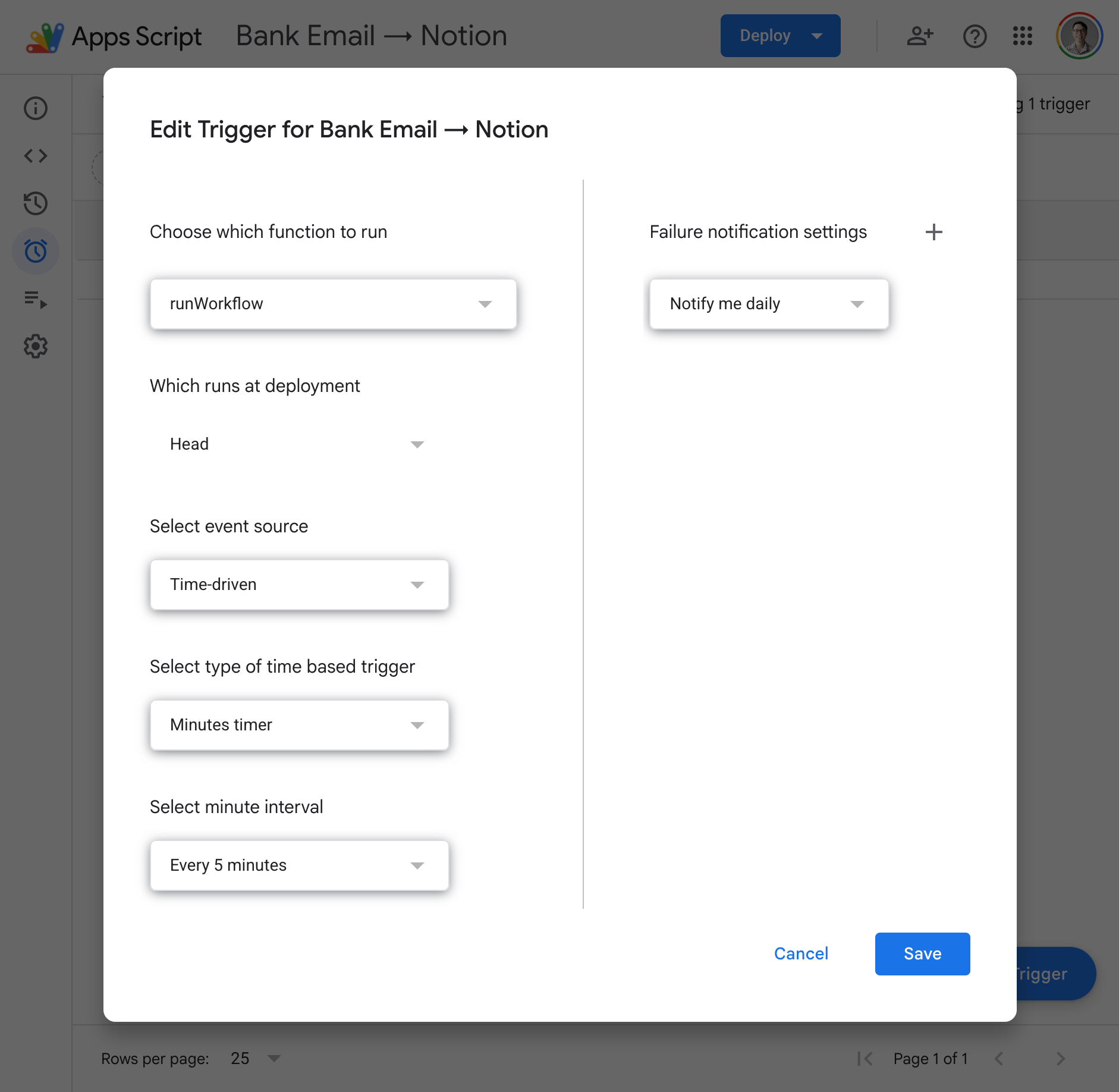
Every 1 minute:
   ↓
Scan Gmail (BANK_TXN)
   ↓
Parse email
   ↓
Filter (fraud / duplicate)
   ↓
Push into Notion Database
   ↓
Mark BANK_DONE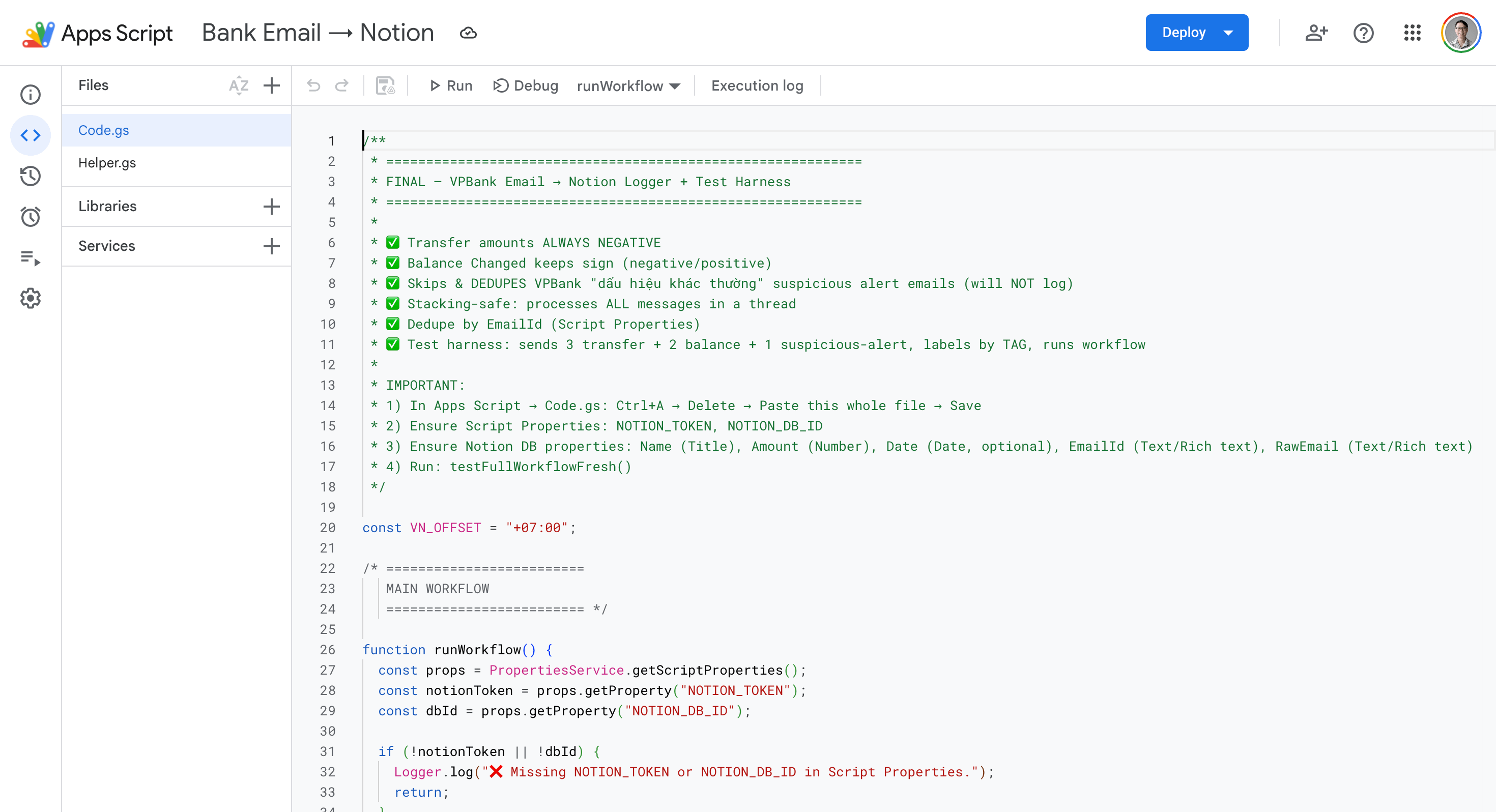
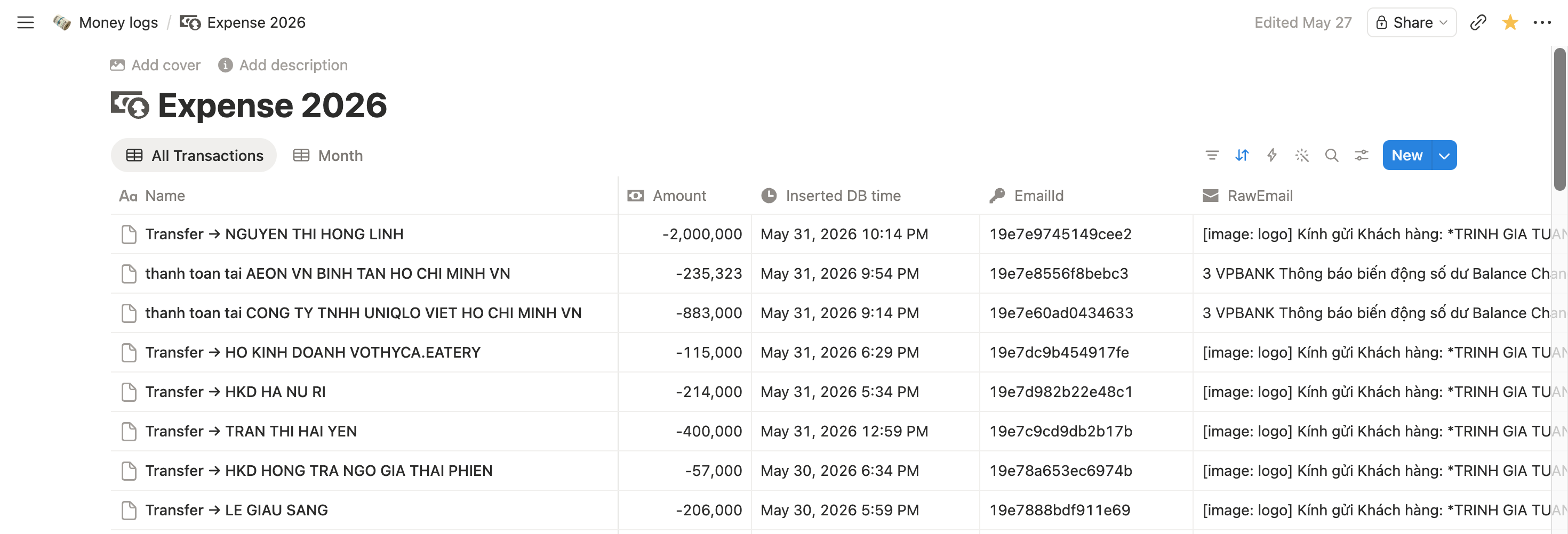
After I orchestrated this workflow, all transactions were collected automatically
In addition to the workflow, I use AI to “vibe-code” a dashboard when I want to see the statistics and host it on Vercel.
Techstacks I use:
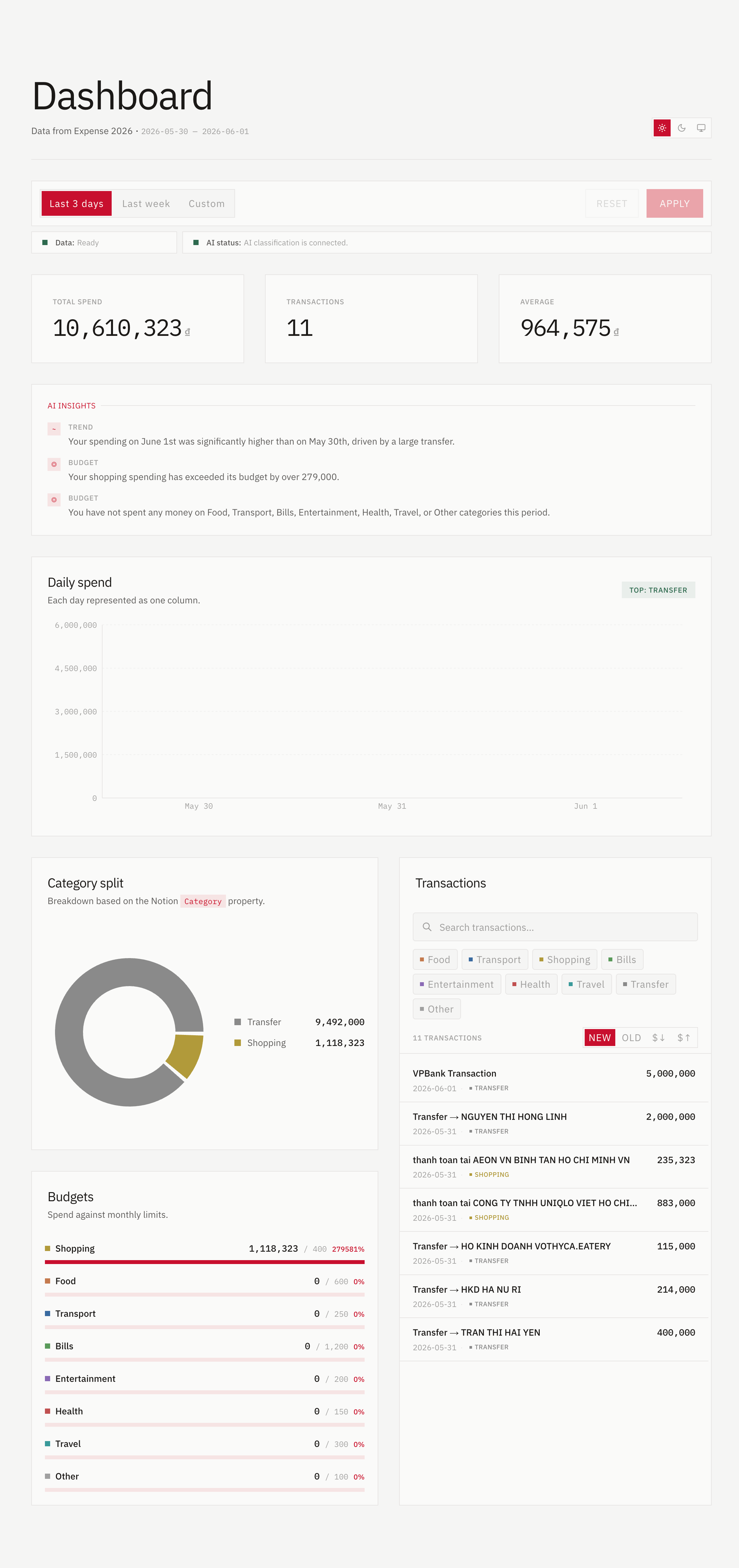
In this enhancement, I leverage AI to:
(All these actions are triggered every visit the site)
It’s not a single prompt or a single orchestration to get the final results. To get it done, it took me a lot of time to research & test til it worked properly. So please calm down to figure out the workflow on your own :D