Just wrote out of my thought and my knowledge sharing
How I create a Figma plugin for printing all the variables (reach to all nested levels)
November 5, 2025
As a Design System Designer, you may face the challenge of printing all design tokens to hand off to developers or documenting the guidelines for the QC team to reference for UI testing. Because of:
Some stakeholders (non-tech) aren’t familiar with Dev mode. They want a list of all tokens to have a quick overview (like a sheet).
Scanning a single component in a file to view the tokens in Dev mode is too manual. In some cases, some tokens are hidden inside the component.
Thus, that's why I need a solution to reveal the token's value.
Finding the solution
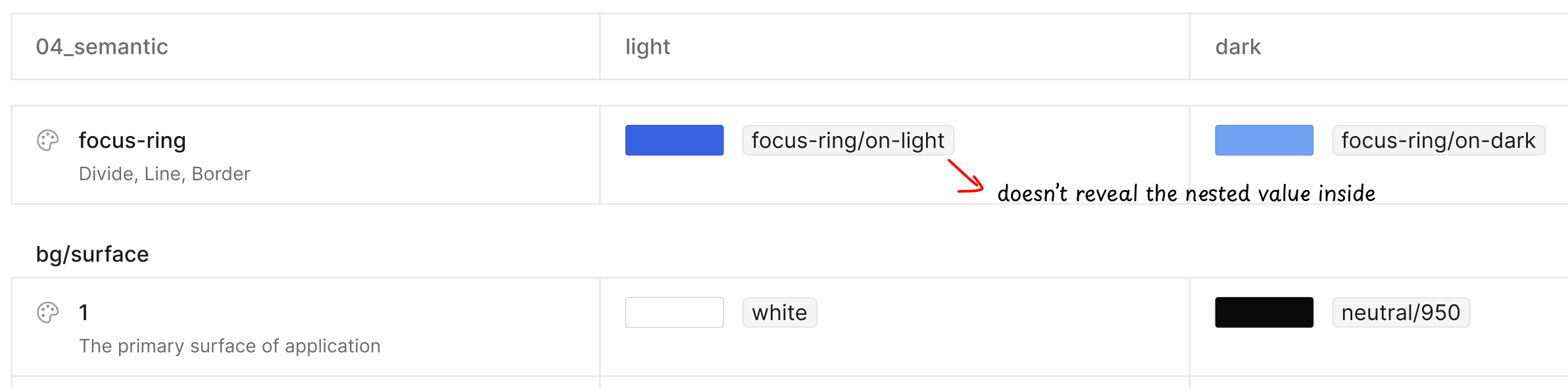
Mapping the value manually is impossible. I have tried many plugins in the community, and I found some useful plugins to reveal the alias token value (the semantic name (bg-brand → blue-600) is aliased to the raw value (#2563EB)). But there are some limitations:
Doesn’t reveal the nested level til the end level
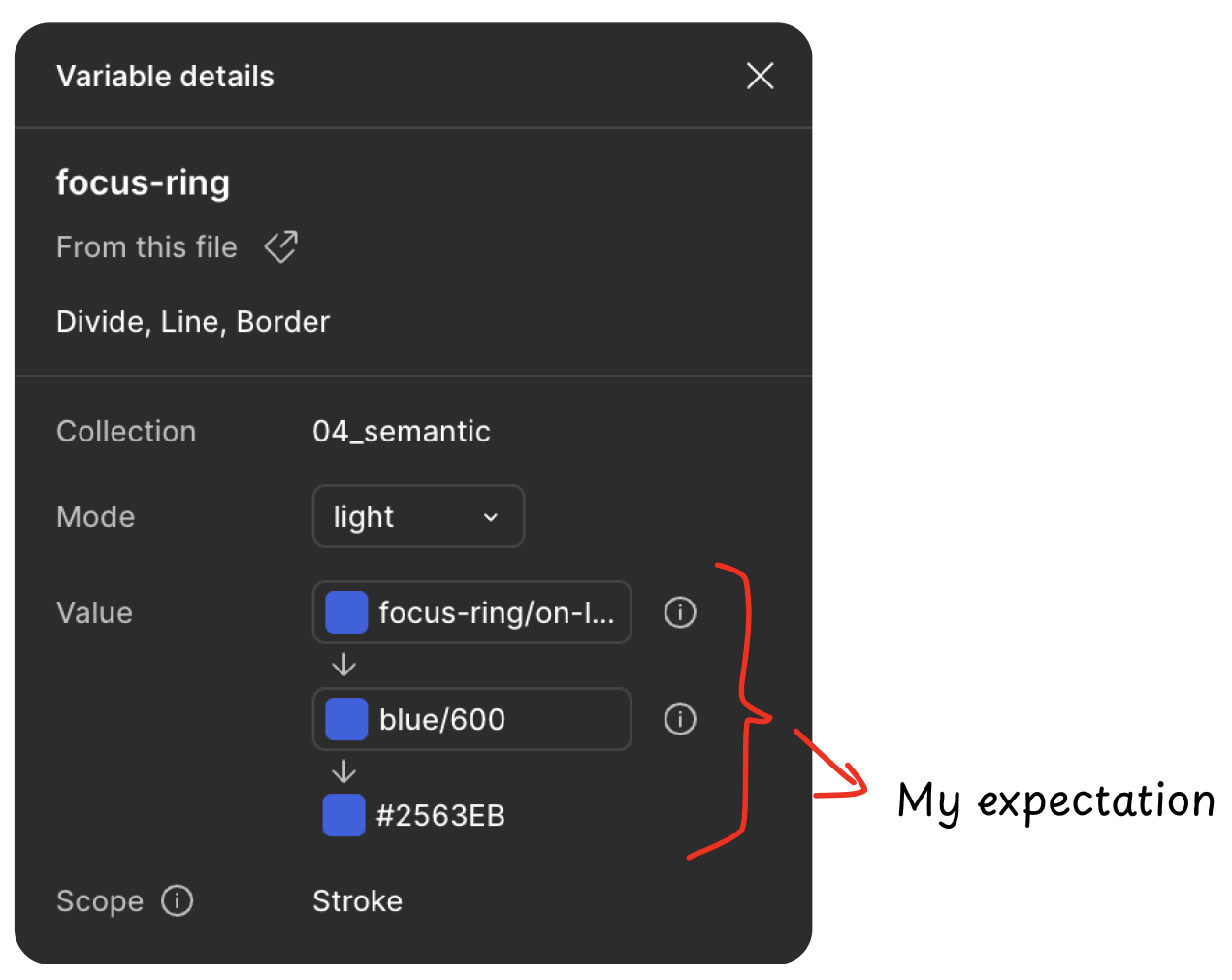
E.g., bg-brand → blue-600 → #2563EB (hex code isn’t revealed)
Doesn’t have the unit conversion tool to convert the pixel to rem (which is the responsive unit for the web platform)
The plugin show the token value but it didn’t show the nested alias value inside (the more deeper alias value)
And here is what I expect to display
🥵
It was a nightmare when I recall this moment. Imagine the whole developer team is waiting for me to make the tokens clear to implement.
Vibe coding — The savior
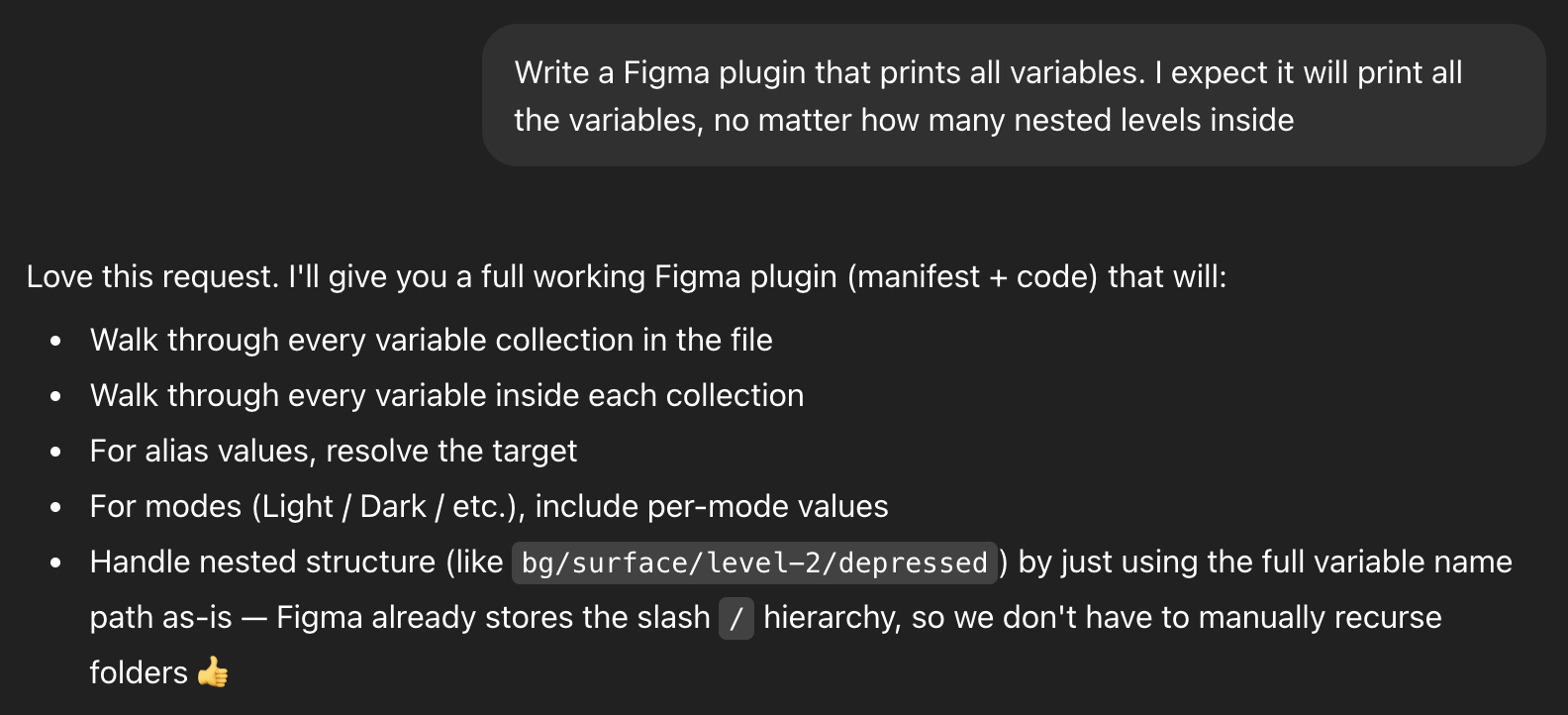
In the AI era, everyone is using Vibe coding to increase productivity. As the person who works in technology, I can't stay out of this race. I start off with the ChatGPT, here is my approach:
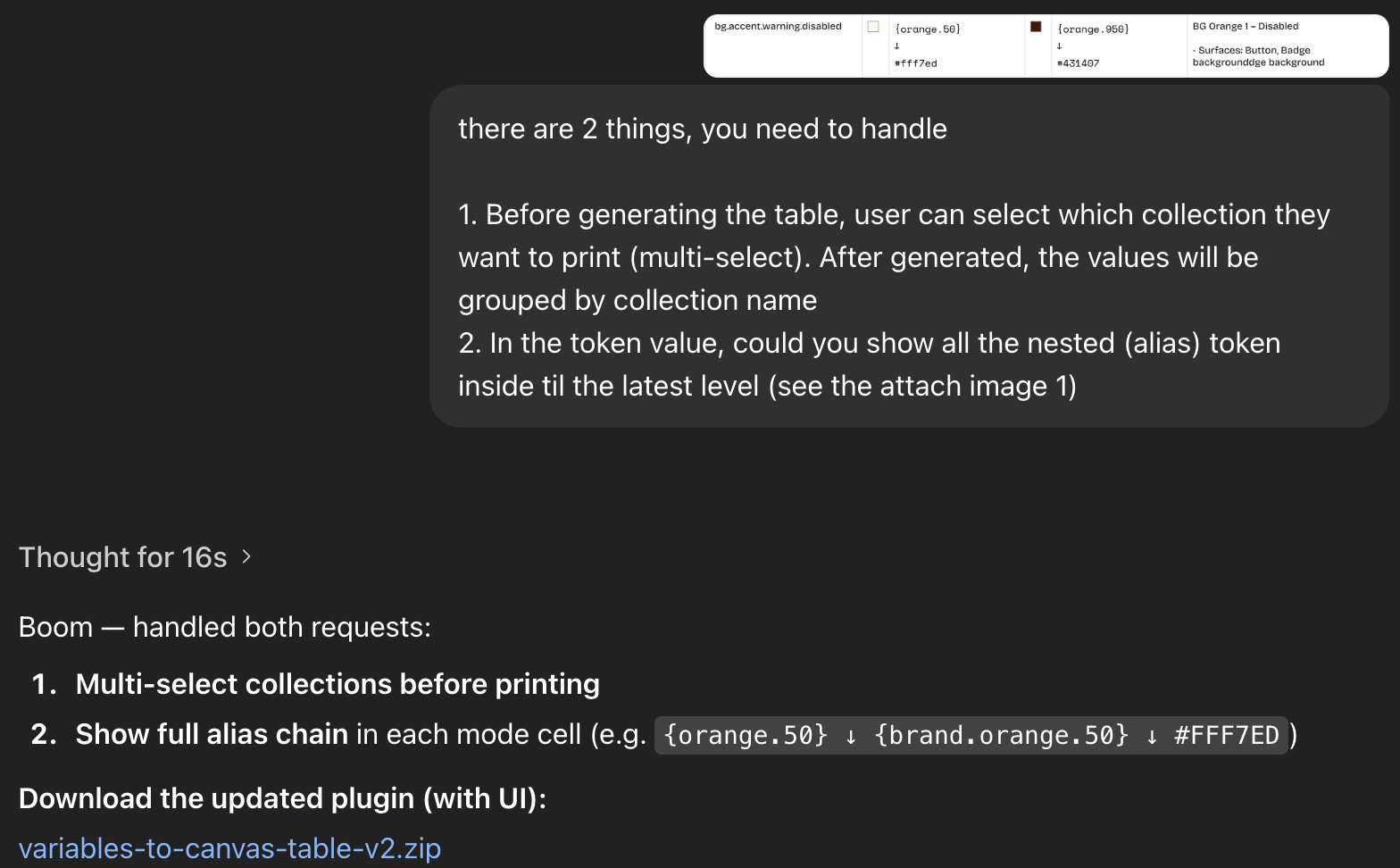
The first time results didn't work properly, and it tooks many rounds to get my expectation
I must give them a context and requirement. The plugin workflow is following these steps:
1. Run the plugin
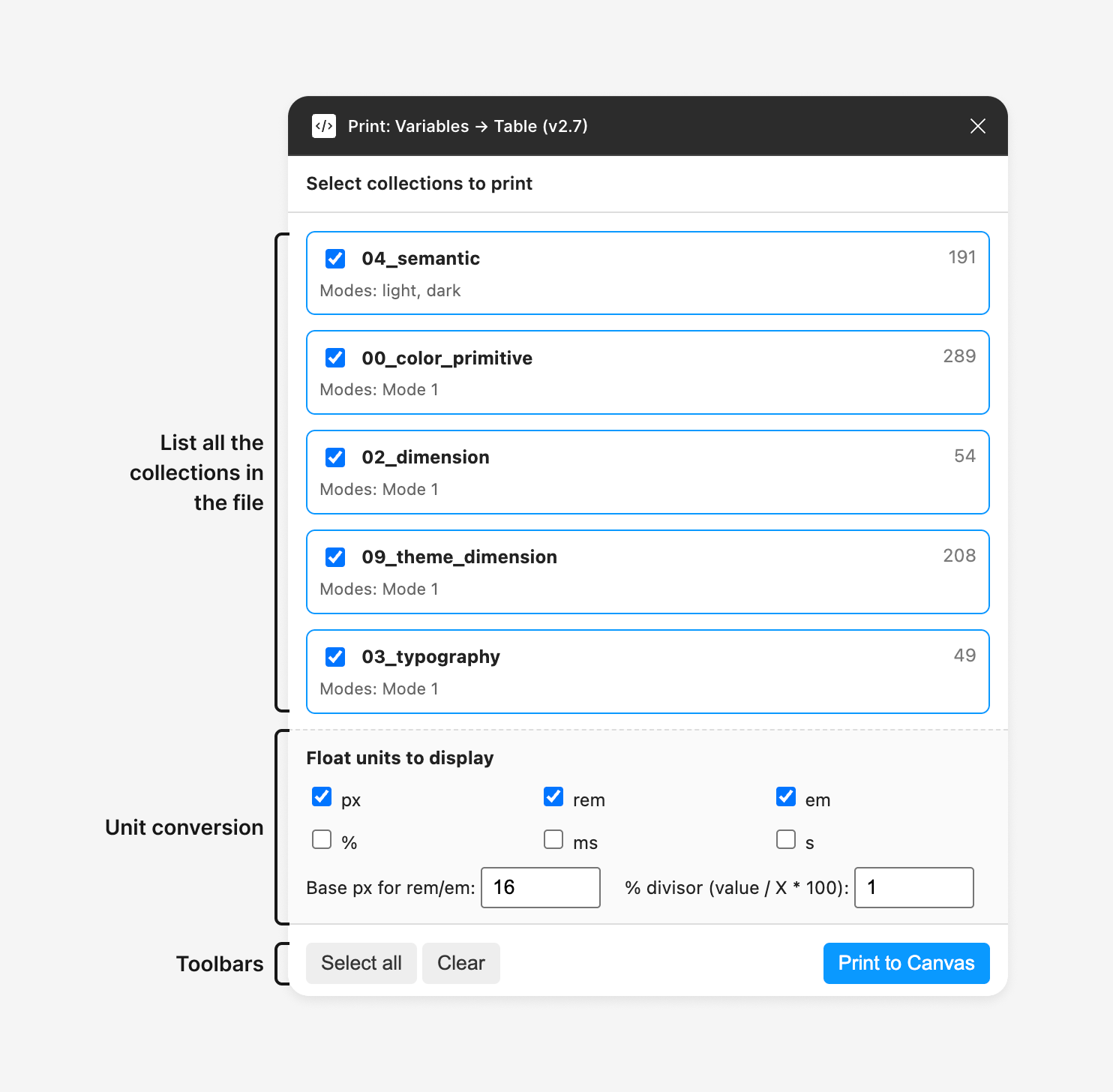
2. Select the collection that we want to print, and configure the unit conversion if needed
3. Get the result
Finally, it took about 2 hours to get the final result and solved the problem that I was struggling with for many days. Amazing!! right?
Here are the snapshots of this plugin:
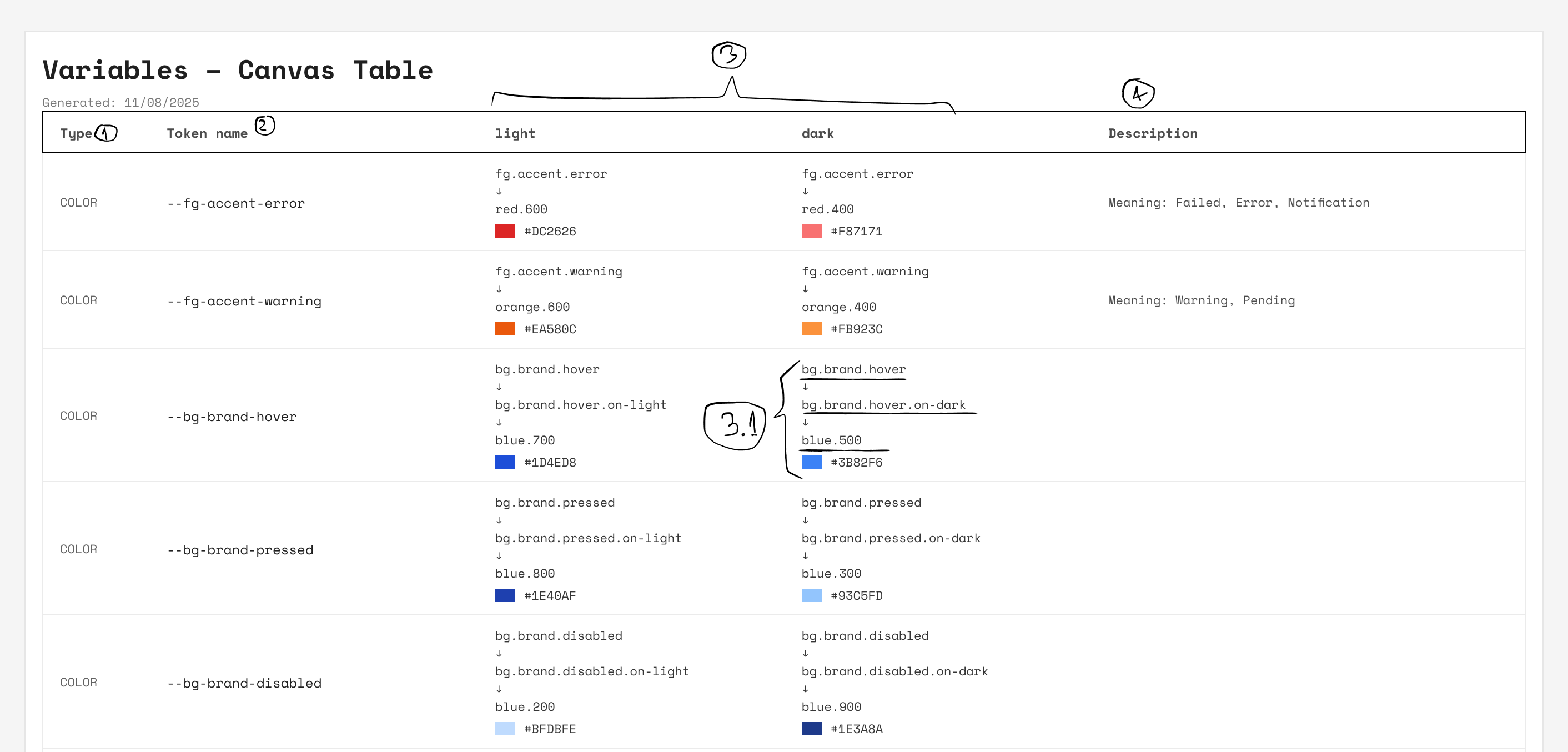
This is the full sheet of the design token
(1): The token type
(2): Token name
(3): Display mode
→ (3.1): Show all the nested aliases reach to the end level → This is my expectation
(4): The description of the design token